Miscellaneous fixes for Preview Release - Part 2#398
Miscellaneous fixes for Preview Release - Part 2#398tdonohue merged 15 commits intoDSpace:masterfrom
Conversation


…some of the RDs it's based on were still pending


|
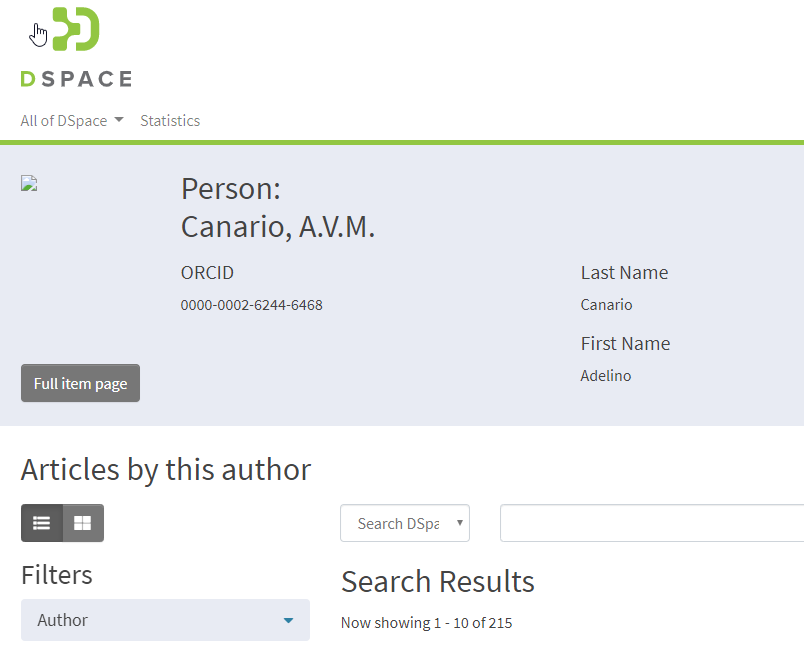
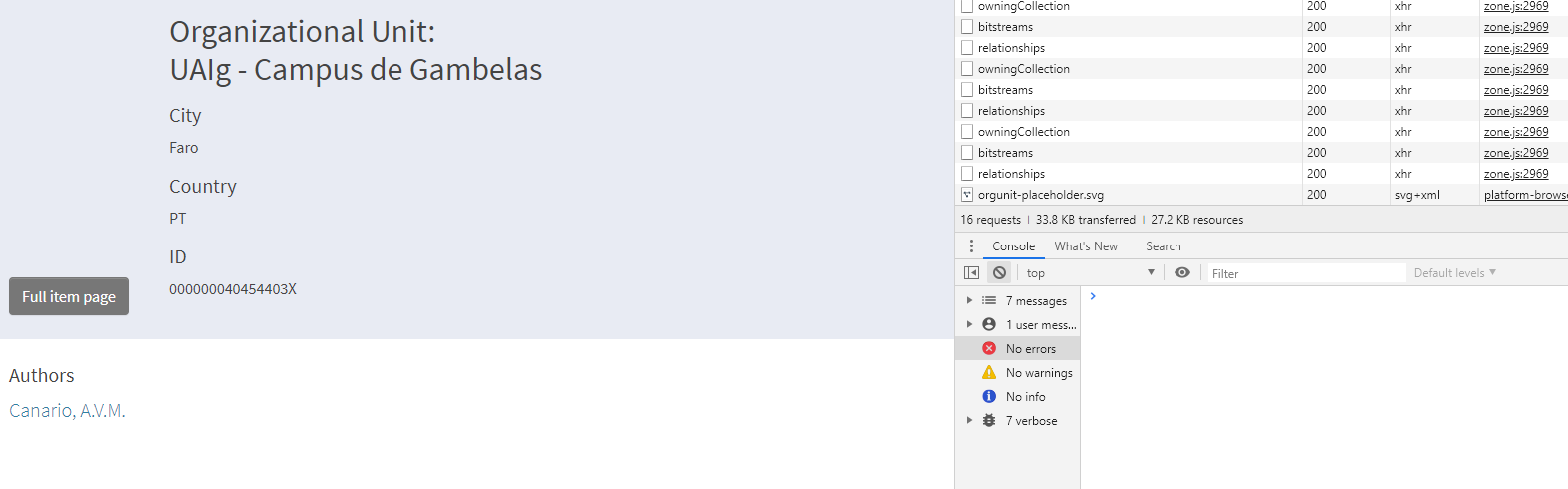
There are still have some, minor, issues with the thumbnail. But the images were there. |

There was a problem hiding this comment.
@artlowel and @LotteHofstede Unfortunately, the changes to package.json in this PR break the yarn start and yarn run watch commands on Windows 10. I now get this error:
$> yarn start
yarn run v1.16.0
$ yarn run build:prod
$ yarn run prebuild
$ yarn run clean:dist
$ rimraf dist
$ $npm_package_config_wp_cmd --env.aot --env.server --mode production && $npm_package_config_wp_cmd --env.aot --env.client --mode production
'$npm_package_config_wp_cmd' is not recognized as an internal or external command,
operable program or batch file.
error Command failed with exit code 1.
I'm still digging around to understand this better, but as of yet, I'm not able to test this PR as I can no longer start the server.

|
@tdonohue it seems the syntax for windows is @paulo-graca We'll look in to it tomorrow. However your screenshots show the preview theme, but this PR shouldn't contain it. That's #399, was your comment supposed to go there? If not, please ensure you've run yarn run clean before building, and your browser caches are cleared. |
package.json
Outdated
| "node": ">=8.0.0" | ||
| }, | ||
| "config": { | ||
| "wp_cmd": "node --max_old_space_size=4096 ./node_modules/webpack/bin/webpack.js" |
There was a problem hiding this comment.
Per my previous comment regarding errors on Windows 10. We might be able to replace this "wp_cmd" line with:
"node-options": "--max_old_space_size=4096"
See: https://docs.npmjs.com/misc/config#node-options
If we can use that node-options configuration instead, then all other changes in this file might be reverted. So, we can move back to just calling webpack in all commands. Windows seems to mostly not like the $npm_package_config_wp_cmd environment variable.
UPDATE: This seems to be working on Windows 10. I'm not exactly sure how to tell that Node allocated more memory, but the build seems faster now.
There was a problem hiding this comment.
I just realized that I believe the node-options configuration (and NODE_OPTIONS env variable) are only supported in Node v8 and above. So, if we go with this route, we should change our Requirements to require Node v8 or above (I'm fine with that, as I use Node 8 always anyways): https://github.com/DSpace/dspace-angular/#requirements

There was a problem hiding this comment.
In practice node 8 has been a requirement for nearly a year: 5554d48.
I'll update the docs in this PR.
There was a problem hiding this comment.
Hi @artlowel! I'm using your branch - atmire:preview-misc-fixes-2 (not the one in PR399) - and a new fresh setup (for the angular side). Just to note also that I'm using Linux CentOS 7 on my tests and I didn't had any issue building the project.

|
👍 Beyond the |
…er heapspace. The variables didn't work cross-platform
…utions/dspace-angular into preview-misc-fixes-2
|
@tdonohue I wasn't able to get node-options to work, also couldn't find any example of anybody using it for that purpose. cross-var was quite outdated and it added some warnings about babel so I didn't use that either. Instead I wrote a node script to call webpack as a child process with the @paulo-graca We were able to reproduce the thumbnail issue you reported. It only happened when preboot is enabled and you went to a page with a thumbnail by entering its URL (instead of navigating to it). @LotteHofstede fixed it in this commit |

 paulo-graca
left a comment
paulo-graca
left a comment
paulo-graca
left a comment
There was a problem hiding this comment.
I've already gave my thumb up to PR399 that is this PR applied to the preview.
The only thing I noticed with this PR was that sometimes the item type Thumbnail wasn't displayed (successfully loaded but not displayed). I just move the mouse cursor over the Related Person link and the image is immediately displayed (it seems to me like a CSS render issue). I'm using Google Chrome but I've also tested this on Firefox and get the same result. This even occurred to me with Atmire's Entities demo site. It's no big deal to me, and it only occurs sometimes but I've just wanted to noticed that.
Yes, @paulo-graca I was able to reproduce that issue when preboot was enabled, and I navigated directly to the page with the thumbnail. However since @LotteHofstede's fix I can no longer get it to happen. It wasn't a CSS rendering issue, it had to do with Angular's change detection not triggering at the right moment. Hovering showed a tooltip and that caused it to re-render. |
In my case, Persons don't have a Jobtitle, the tooltip balloon isn't displayed, instead a small dark arrow is showed on top of the Person name. |
 tdonohue
left a comment
tdonohue
left a comment
tdonohue
left a comment
There was a problem hiding this comment.
👍 Retested today and this looks great to me. Everything works find on Windows 10 now, and the fixes all work.

 ghost
removed
the
ghost
removed
the

4 participants


This PR solves some small miscellaneous issues for the preview release.
It takes care of the following: