Conversation


- Each tool gets destroyed on close.
- Each tool gets raised if there is an existing window.
- All tools' windows gets activated.

|
Say what? :O How can all tools share a single |
They are all sharing the same
Fair enough. Can change that. |

| except (RuntimeError, AttributeError): | ||
| create_window(parent) | ||
| else: | ||
| create_window(parent) |

There was a problem hiding this comment.
Is this case tested? What do we expect to happen? If there isn't a QApplication, then we probably can't create a window.
There was a problem hiding this comment.
I've tested this in Nuke/Maya and standalone (Photoshop).
If there isn't a QApplication the with lib.application() ensure there is a QApplication.
There was a problem hiding this comment.
But isn't lib.application() happening first? :O How can existing_app be False, if application() ensures it is true?
| def __init__(self, parent=None): | ||
| QtWidgets.QDialog.__init__(self, parent) | ||
|
|
||
| self.setAttribute(QtCore.Qt.WA_DeleteOnClose, True) |
There was a problem hiding this comment.
If this is true, then the instance we store in module.window will be invalidated. It is deliberately not deleted such that it can be reused later. The window is preserved to also preserve e.g. user selection and focus within the app. I think we want those things?
There was a problem hiding this comment.
Good point. Will remove that.
There was a problem hiding this comment.
Actually looking closer, it seems like we are deleting the old window anyways: https://github.com/getavalon/core/blob/master/avalon/tools/contextmanager/app.py#L218-L222

There was a problem hiding this comment.
Currently only Loader's window get preserved, and I vote for keeping them :P
|
This PR seems to conflate a few things. #514 seems to be about QApplication being garbage collected, then why not just.. avalon/blender/pipeline.py module = sys.modules[__name__]
def install()
module.qapp = QApplication.instance()
# Or make one, and store it here.That would preserve it for the lifetime of the inner Python interpreter. |

|
I agree that the fixes presented here seem like an odd "fix" to the described error, as if we didn't get to the bottom as to what exactly is causing the issue. Did you try the fix mentioned at the bottom here: app.setQuitOnLastWindowClosed(False)If it really is an issue with the So I've done just that and tried to reproduce it there. from PySide import QtGui
# Create an instance
app = QtGui.QApplication([])
# Create a QPushButton
button = QtGui.QPushButton("test")
button.show()
# As expected here the QPushButton pop ups but remains in an "white"
# or non-refreshing state as the QApplication is not running.
app.exec_()
# Now close QPushButton (press X on the window)
# ...
# Note how the QApplication instance still exists but it is not executing anymore
print QtGui.QApplication.instance()
# Create a QPushButton
button = QtGui.QPushButton("test")
button.show()
# Note how again, it's in the non-refreshing white state, until we execute the QApplication
QtGui.QApplication.instance().exec_()
# Et voila...If there's a way that we can check whether the QApplication is currently executing at that point in time we can then trigger another |
Oh wow, that is a good find. I had no idea it would do that.
The simple solution would be to just call it again, regardless. If it was running, then it would block and stop you from running it again, and if it wasn't blocking, then having it block should be normal. |
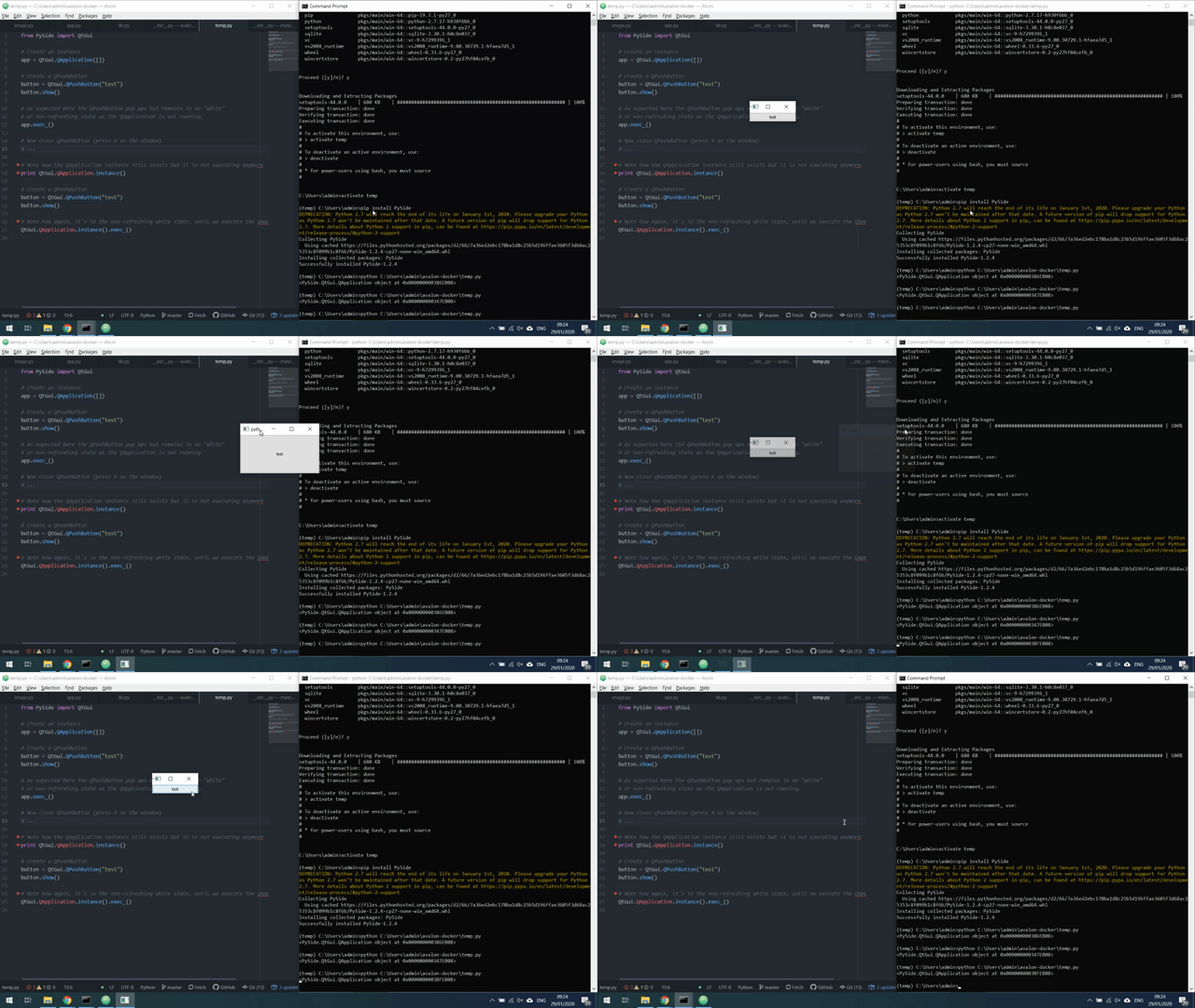
I cant seem to replicate the behaviour you are seeing?
|
|
@tokejepsen so you are running all commands at the same time. As such, after closing the first one it will instantly run through the second Try this in a Python process and run them step by step, like the comments somewhat hinted. :) Or to show the hanging UI... remove the last |
|
@BigRoy thanks, yeah just realized you probably meant going through the python prompt. Seeing the same behaviour now. |
|
Ok, I think I have a simple fix for this: @contextlib.contextmanager
def application():
self.app = QtWidgets.QApplication.instance()
if self.app:
print("Using existing QApplication..")
yield self.app
else:
print("Starting new QApplication..")
self.app = QtWidgets.QApplication(sys.argv)
yield self.app
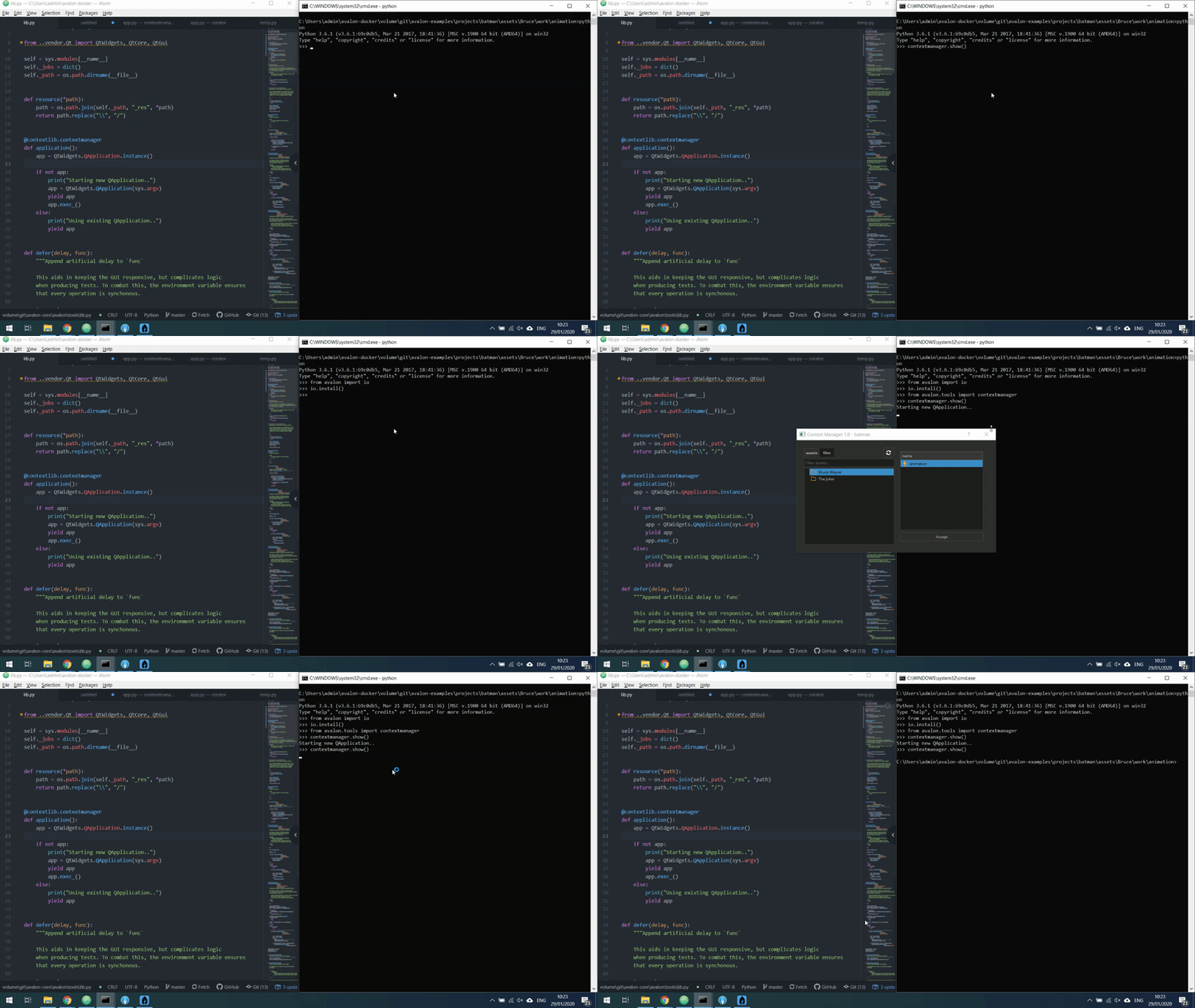
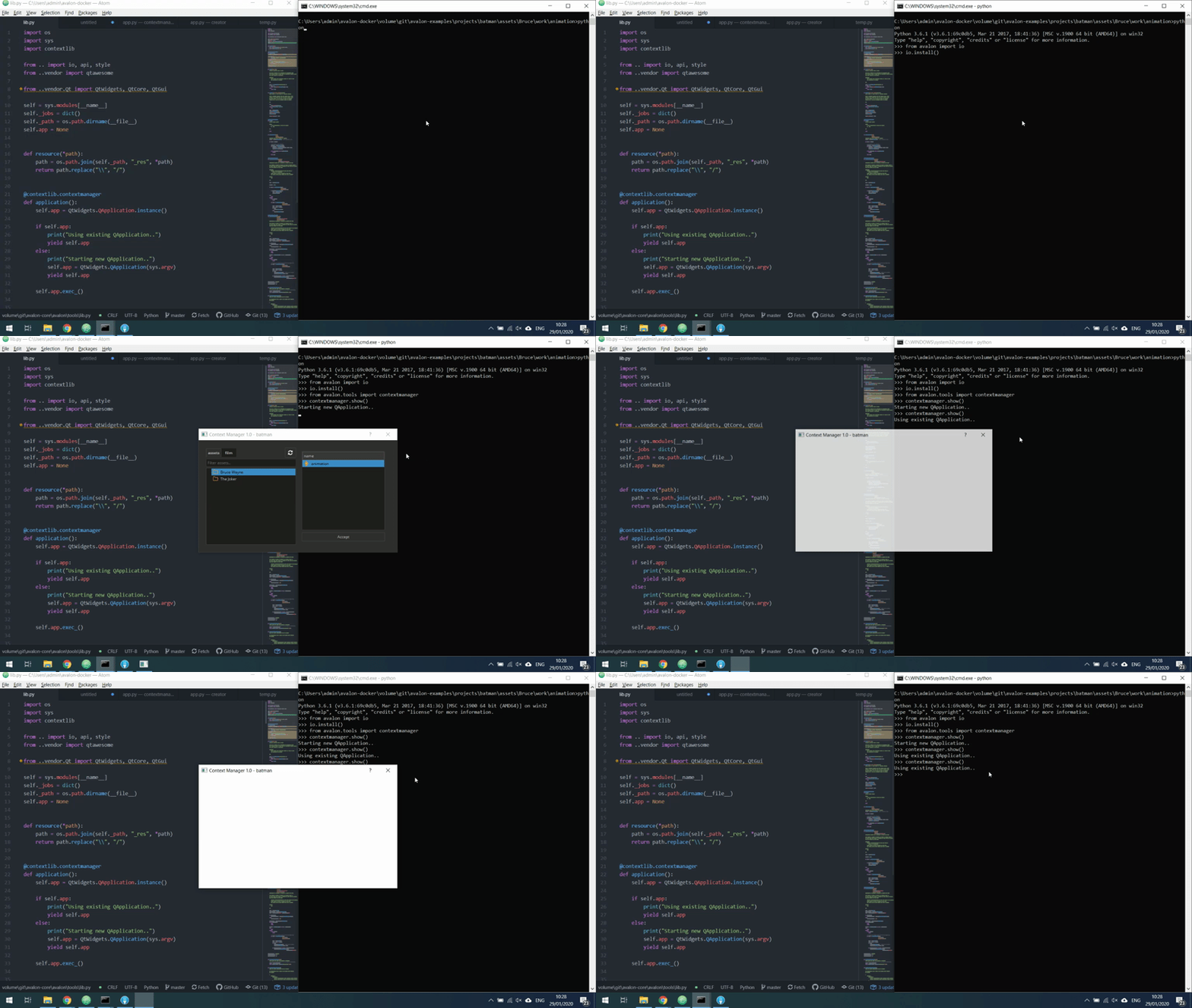
self.app.exec_()Before:
At the end you can see that the python process exits without any errors, which is what happens when the segfault occurs. After:
At the end you can see that the python process is still running, and I can show another If we like this fix, I will revert the changes and update with this code change instead. |
|
Any takers on this fix suggested above? |

I do like that fix. :) |
|
Sorry, totally missed your comments. I somehow expected that wouldn't fix it. But if it fixes all use cased by moving one line of code let's set up a PR and give it a couple of days of testing. Should we close this PR and set a new clean one? Or somehow squash the commits to solely that change? Or were there other changes that are required? |
|
Seems appropriate. Does |
It only return |
4 participants


What's changed?