
A unified wallet connection layer for Android. Supports multiple chains and multiple wallets. For full documentation, visit Particle Network.
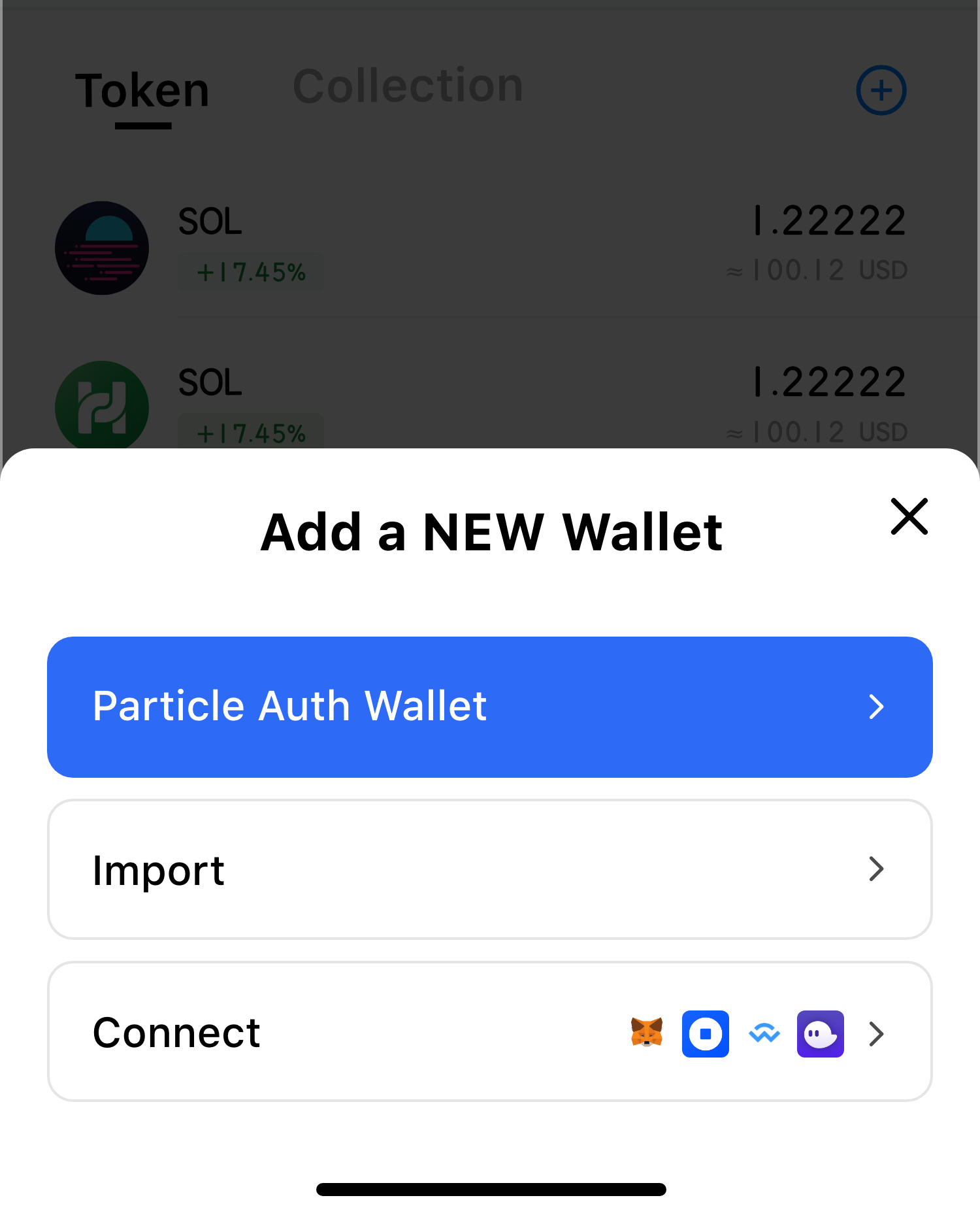
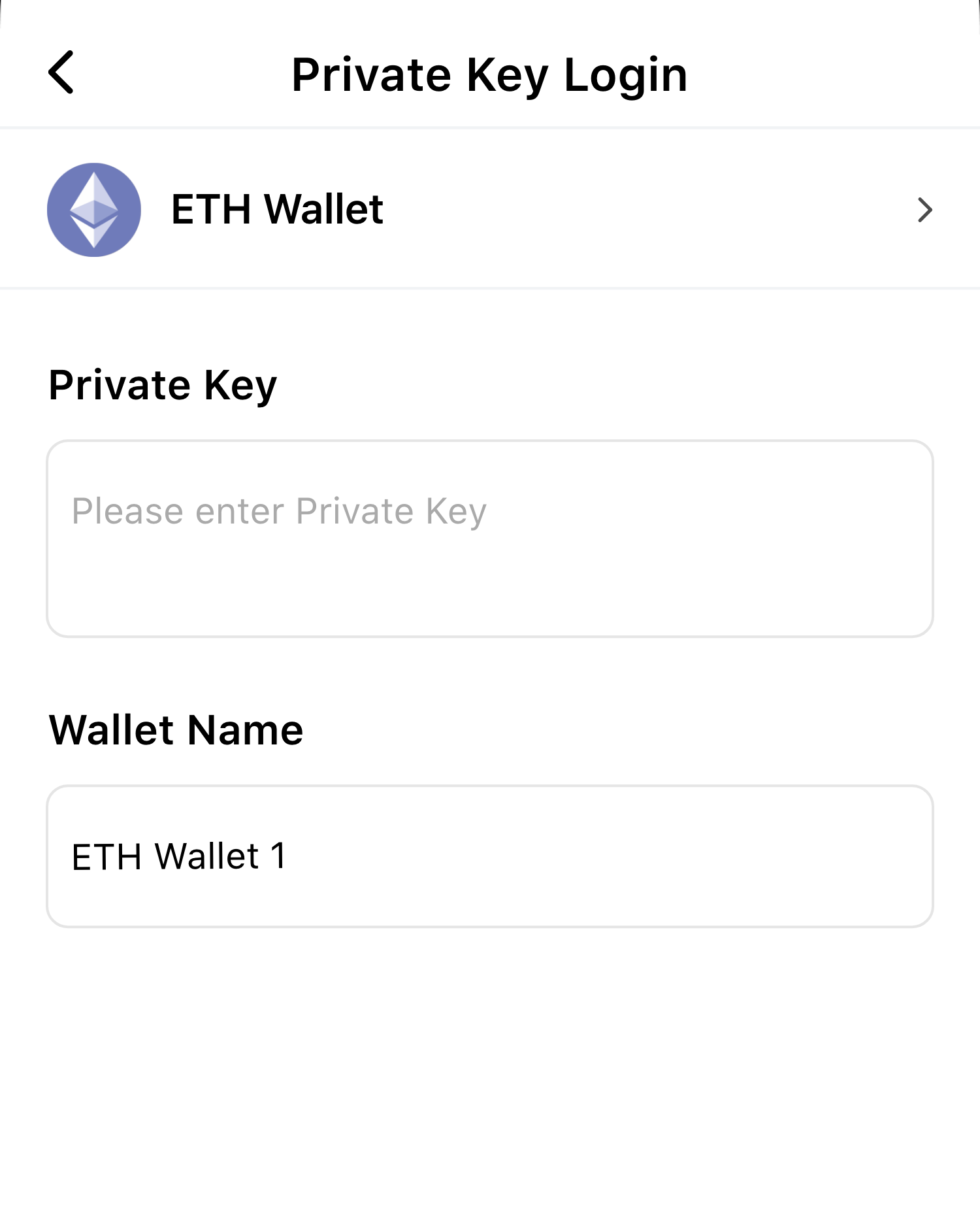
Modular Kotlin wallet adapters and components for EVM and Solana chains. Manage wallets and issue custom RPC requests through a single, consistent interface.
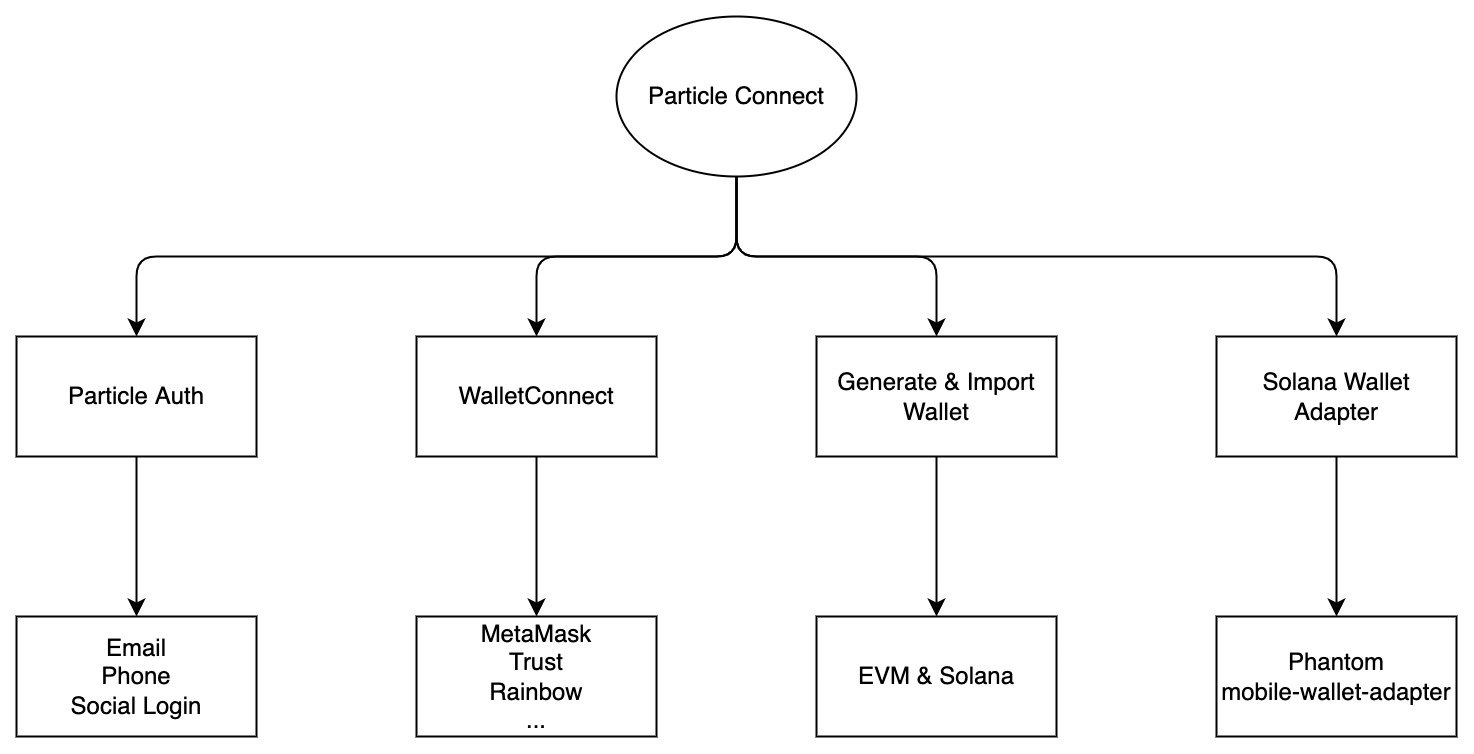
Add the required dependencies to your build.gradle. Include optional adapters for the wallets and chains you want to support.
dependencies {
    // Required
    implementation 'network.particle:auth-service:{latest-version}'
    implementation 'network.particle:connect-common:{latest-version}'
    implementation 'network.particle:connect:{latest-version}'

    // Optional: generate and import EVM wallets
    implementation 'network.particle:connect-evm-adapter:{latest-version}'

    // Optional: generate and import Solana wallets
    implementation 'network.particle:connect-solana-adapter:{latest-version}'

    // Optional: connect Phantom wallet
    implementation 'network.particle:connect-phantom-adapter:{latest-version}'

    // Optional: WalletConnect protocol (MetaMask, Rainbow, Trust, imToken, etc.)
    implementation 'network.particle:connect-wallet-connect-adapter:{latest-version}'
}Add the following activities and metadata inside the <application> block of your AndroidManifest.xml.
<application>

    <activity
        android:name="com.particle.network.controller.WebActivity"
        android:exported="true"
        android:launchMode="singleTask"
        android:theme="@android:style/Theme.Translucent.NoTitleBar.Fullscreen">
        <intent-filter>
            <data android:scheme="pn${pn_app_id}" />
            <action android:name="android.intent.action.VIEW" />
            <category android:name="android.intent.category.DEFAULT" />
            <category android:name="android.intent.category.BROWSABLE" />
        </intent-filter>
    </activity>

    <activity
        android:name="com.connect.common.controller.RedirectActivity"
        android:exported="true"
        android:launchMode="singleTask"
        android:theme="@android:style/Theme.Translucent.NoTitleBar.Fullscreen">
        <intent-filter>
            <action android:name="android.intent.action.VIEW" />
            <category android:name="android.intent.category.DEFAULT" />
            <category android:name="android.intent.category.BROWSABLE" />
            <data android:scheme="connect${PN_APP_ID}" />
        </intent-filter>
    </activity>

    <meta-data
        android:name="particle.network.project_id"
        android:value="${pn_project_id}" />
    <meta-data
        android:name="particle.network.project_client_key"
        android:value="${pn_project_client_key}" />
    <meta-data
        android:name="particle.network.app_id"
        android:value="${pn_app_id}" />

</application>Call ParticleConnect.init() inside your Application#onCreate(). Pass a list of all adapters you want to make available — they are created lazily.
ParticleConnect.init(
    this,
    Env.DEV,
    EthereumChain(EthereumChainId.Kovan),
    DAppMetadata(
        "Particle Connect",
        "https://static.particle.network/wallet-icons/Particle.png",
        "https://particle.network"
    )
) {
    listOf(
        ParticleConnectAdapter(),
        MetaMaskConnectAdapter(),
        RainbowConnectAdapter(),
        TrustConnectAdapter(),
        ImTokenConnectAdapter(),
        BitKeepConnectAdapter(),
        WalletConnectAdapter(),
        PhantomConnectAdapter(),
        EVMConnectAdapter(),
        SolanaConnectAdapter(),
    )
}Switch the active chain.
ParticleConnect.setChain(chain)Get all wallet adapters.
val adapters = ParticleConnect.getAdapters(chainTypes)
// or look up by address
val adapters = ParticleConnect.getAdapterByAddress(address)
Get all connected accounts.
val accounts = ParticleConnect.getAccounts(chainTypes)Connect a wallet. For EVMConnectAdapter and SolanaConnectAdapter, this generates a new wallet.
connectAdapter.connect(callback)Disconnect a wallet.
connectAdapter.disconnect(address, callback)Check whether an account is connected.
val result = connectAdapter.connected(address)Import a wallet. Supported by EVMConnectAdapter and SolanaConnectAdapter only.
// Import from private key
val account = connectAdapter.importWalletFromPrivateKey(privateKey)

// Import from mnemonic (words separated by spaces)
val account = connectAdapter.importWalletFromMnemonic(mnemonic)
Export a wallet's private key. Supported by EVMConnectAdapter and SolanaConnectAdapter only.
val privateKey = connectAdapter.exportWalletPrivateKey(address)Sign and send a transaction.
connectAdapter.signAndSendTransaction(address, transaction, callback)Sign a transaction. Solana only.
connectAdapter.signTransaction(address, transaction, callback)Sign multiple transactions. Solana only.
connectAdapter.signAllTransactions(address, transactions, callback)Sign a message. Uses personal_sign on EVM chains.
connectAdapter.signMessage(address, message, callback)Sign typed data. EVM chains only.
connectAdapter.signTypedData(address, data, callback)Join the community on Discord.