Please download the corresponding ZIP here This script will create a backup of all affected files as it runs. Please make sure to make a copy of the original folder if you are still concerned.
The whole purpose of this script is to make those pretty buttons with the borders and gradients extremely simple to do. To prepare for using this script, you'll want to do the following:
- Make sure to have Python 3.8 (earliest tested version), should work on most Python 3.x versions however.
- Create the
[charactername]\emotionsfolder (if you haven't already) - Have all your emotion
buttonsin the folder. - Have
border.pngin the same folder as your buttons. Must be the same size as the buttons - Optional: Have
gradient.pngin the same folder as your buttons (this adds a background layer to the image), must be the same canvas size as the buttons - Run the script. (You won't get a prompt saying success/fail if you double-click the file. If it is not running, open Command Prompt and run it from there - It's possible that the script is trying to tell you something, but since it auto-closes you can't see it!)
So by now, you're going to have something like this
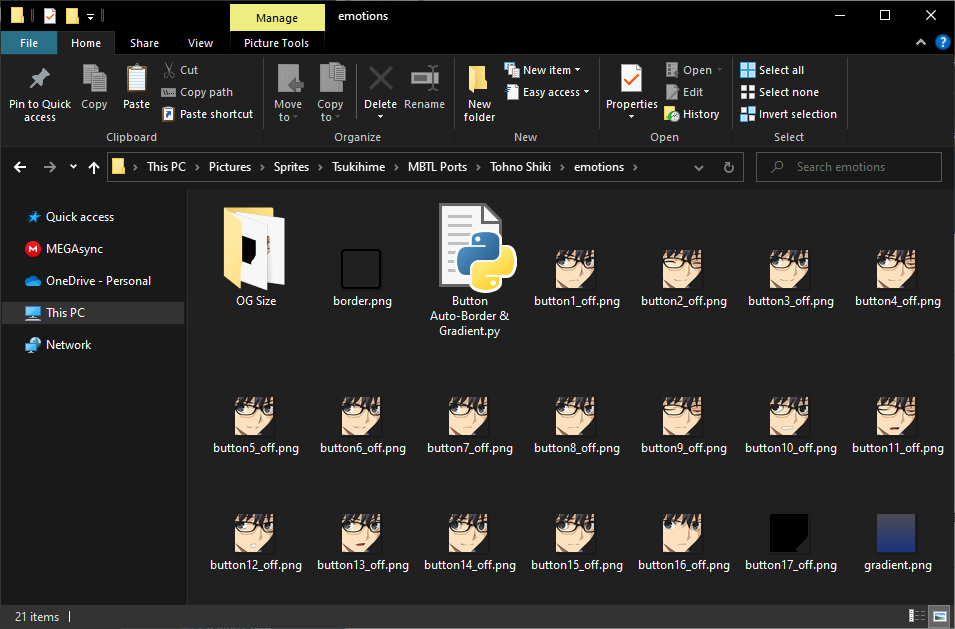
Now, you just run the script, and ta-da: You have bordered buttons w/ your gradient background!
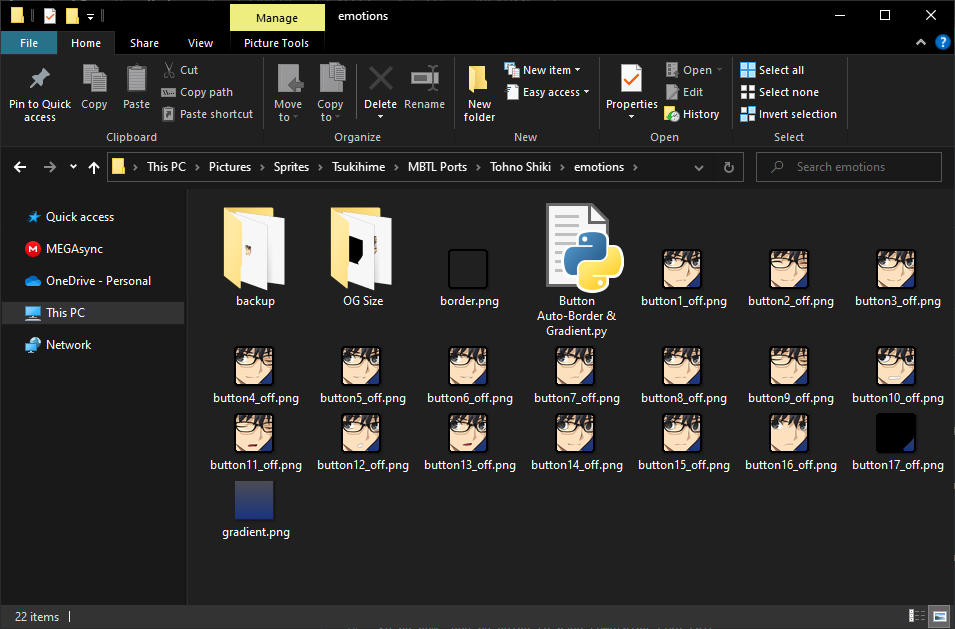
| Before | After |
|---|---|
 |
 |
IF THE SCRIPT DOESN'T WORK: OPEN YOUR COMMAND PROMPT AND RUN IT FROM THERE. IF IT SAYS THERE IS NO MODULE NAMED "PIL", RUN pip install Pillow - THIS SHOULD FIX THE ISSUE.